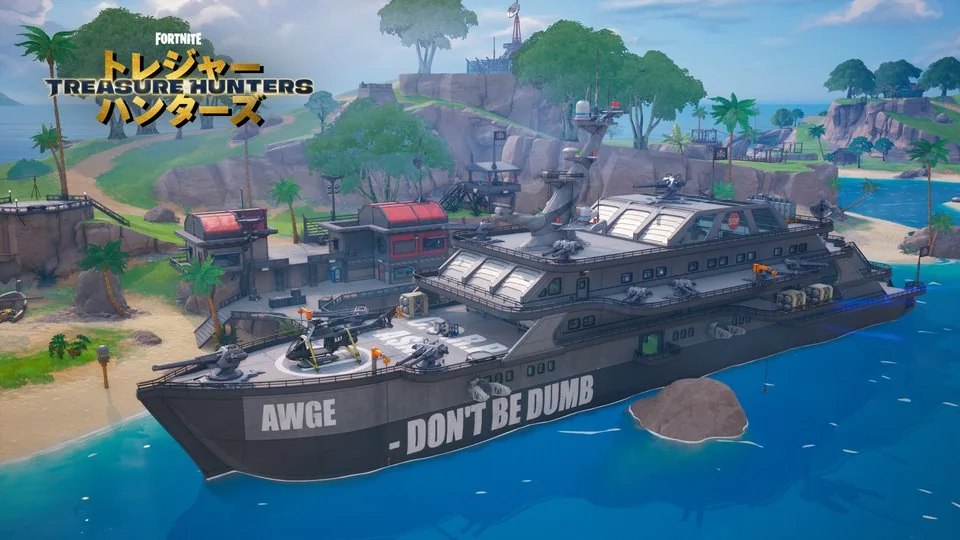
Season artwork: Epic Games. The guidance below is editorial advice, not a tested guaranteed route.
Before you queue
Open the current in-game Treasure information. Check the reward name, eligible mode and any announced event window. Our home page marks the latest recorded outfit and when its source was checked. A countdown based on a community schedule is a planning reference, not a promise from Epic.
Choose a session length you are comfortable with. The reward is extremely rare at the reported normal rate. Treat it as a possible bonus while playing, rather than a task that must be completed tonight.
Build a route you can repeat
Start with an area you already navigate comfortably. Think about several nearby buildings and an exit toward the next safe area. The useful measure is not how many chest locations exist on a map; it is how many eligible chests you can actually search while surviving.
If your landing area is contested or already looted, change the route. Waiting at an empty location cannot create another attempt. Leave enough time to rotate with the storm instead of chasing one extra chest at the cost of a full match.
There is no verified special chest, compass route or location in our reviewed sources that guarantees the outfit. A route can improve your organization. It cannot change a chest's published base odds.
Know what more attempts mean
Using the reported rate of 1 in 1,562,500 and an independent-attempt model, 100 chests give about a 0.0064% chance of at least one outfit. At 1,000 chests it is about 0.064%; at 10,000 it is about 0.638%. These are calculated examples, not observed drop results.
The model uses 1 − (1 − p)ⁿ. It does not assume a pity timer. A run of misses does not make the next roll a guaranteed win. You can change the number of chests in the probability explorer and compare a clearly marked historical boost.
Playing with friends
Coordinate landing areas so you are not all searching the same emptied building. Discuss where to regroup and when to rotate. Reports about squad reward sharing should be checked against current in-game rules; do not promise every teammate an unlock based only on a guide or video.
After a reward notification
- Read the exact name. An outfit, vehicle, Back Bling and Loading Screen are separate reward categories.
- Finish the match and check the lobby. Search the relevant Locker category and remove restrictive filters.
- Keep useful evidence. If an announced item is missing, note the time, mode and item name. A screenshot of the notification is more useful than a vague recollection.
- Use official support if needed. Gold Drop cannot inspect an account, grant an item or repair missing rewards. Follow our official support reference for an account-specific problem.
Ignore shortcuts that ask for your account
This site does not need your Epic password. Do not enter account credentials into a skin generator or download a tool that promises a guaranteed drop. A universal redeem code or paid “luck upgrade” is not a verified part of the process documented here.
Keep three questions handy
Is this the right reward? Is the information dated? Is the boost actually active? Answering those questions is more useful than assuming every golden item or old clip describes today's chest pool.
Read our full probability explanation for the official category rates and the calculation method. Continue with the reward reference, the Treasure Hours guide or your personal participation checklist.